How Does Cloud Storage Actually Keep Your Files Safe?
Cloud storage relies on encryption, redundancy and access controls to protect your files. Here's how each layer works and where the real risks still are.

When you upload a file to Google Drive, Dropbox or iCloud, it doesn't just sit on one computer somewhere. It gets copied, scrambled and spread across a system built specifically to stop it from being lost or stolen. Here's what actually happens behind the scenes and which parts of the system you're still responsible for.
The Short Answer
Cloud storage keeps your files safe through three main layers: encryption (so the data can't be read without a key), redundancy (so the data isn't lost if one server fails) and access controls (so only you or people you allow, can open the files). No single layer is perfect on its own. Together, they cover most of the ways files typically get lost or exposed.
Layer 1: Encryption
Encryption turns your file into unreadable code. Without the right key, it just looks like random noise.
Most cloud providers apply encryption in two places:
In transit – while the file is traveling from your device to the provider's servers. This stops someone from intercepting it over public Wi-Fi or an unsecured network.
At rest – while the file is sitting on the provider's servers. This protects it if someone ever gained physical or unauthorized access to the storage hardware.
The common standard here is AES-256, a type of encryption that would take an unrealistic amount of computing power to break by brute force.
There's a catch worth knowing about, though. With standard encryption at rest, the provider usually holds the key too. That means the company itself can technically access your files if required to, for example by a legal order or in rare cases, an internal breach. If you want the provider to never be able to read your files, you need end-to-end encryption, where the file is encrypted on your device before it's even uploaded. A few services, like pCloud's Crypto add-on or Proton Drive, offer this by default or as a paid option. Most mainstream providers, including Google Drive and Dropbox, don't offer it as standard.
For anything sensitive, like tax documents, medical records or a scanned passport, it's worth checking whether your provider supports end-to-end encryption or adding your own encryption before upload.
Layer 2: Redundancy
Hard drives fail. Data centers lose power. Fires and floods happen. Redundancy is how cloud providers make sure one bad event doesn't wipe out your data.
Instead of storing your file in a single location, providers typically:
Save multiple copies of the same file
Spread those copies across different physical servers
Often place at least one copy in a different geographic region
If one server or data center goes offline, the system quietly switches to another copy without you ever noticing. Some providers also use a technique called erasure coding, which splits files into fragments and adds extra recovery data, so the file can be rebuilt even if several fragments are damaged.
This is one of the genuine advantages cloud storage has over a single external hard drive sitting on your desk. A local drive is one point of failure. A well-built cloud system usually isn't.
Layer 3: Access Controls
Encryption and redundancy protect the file itself. Access controls decide who's allowed to open it in the first place.
The basics most providers offer:
Password-protected accounts
Two-factor authentication (2FA), which asks for a second code from your phone in addition to your password
Permission settings for shared files (view-only vs. edit access)
Activity logs showing when and where a file was accessed
This is also the layer where most real-world breaches actually happen. It's rarely the encryption that gets broken. It's usually a weak password, a phishing email or a shared link left open to anyone with the URL.
Where the Real Risks Still Are
It's worth being honest about the limits here, because "the cloud is safe" isn't the full picture.
Your login is the weakest point. If someone gets your password, encryption and redundancy don't matter, they're already inside your account.
Shared links can be more open than you think. A "anyone with the link can view" setting means exactly that. If the link gets forwarded, indexed or leaked, so does the file.
Sync isn't the same as backup. If you delete a file on your laptop and it's synced to the cloud, it usually gets deleted there too. Most providers keep a version history or a trash folder for a limited time, but it's not permanent.
Provider outages do happen. Rare, but not impossible. Most reputable providers publish uptime records if you want to check.
Data residency and compliance matter for businesses. Where your data is physically stored can affect which country's laws apply to it. This matters more for regulated industries like healthcare or finance than for personal photo storage.
What You Can Actually Control
The provider handles encryption and redundancy. You control most of what actually goes wrong day to day:
Use a strong, unique password and turn on two-factor authentication
Check sharing permissions before sending a link and set expiry dates where possible
Keep at least one separate backup of anything irreplaceable, ideally not with the same provider
Be cautious with browser extensions and third-party apps that request access to your cloud account
For sensitive files, consider client-side encryption tools like Cryptomator, which work on top of any cloud storage service
Is Cloud Storage Safer Than a Local Hard Drive?
For most people, yes, mainly because of redundancy. A hard drive has no backup unless you build one yourself. Cloud storage builds that redundancy in by default.
Where local storage can still make sense is for highly sensitive files you don't want on any third-party server at all or as an additional backup alongside cloud storage, not instead of it. The safest setup for most households and small businesses is a combination: cloud storage for accessibility and redundancy, plus one local or offline backup for anything you really can't afford to lose.
Frequently Asked Questions
Can cloud storage providers see my files? With standard encryption, yes, technically they hold the decryption key. With end-to-end (client-side) encryption, they can't, since the file is encrypted before it ever reaches their servers.
What happens if a cloud provider gets hacked? Encrypted data is much harder to use even if it's stolen, but it depends on what was actually exposed, files, account metadata or login credentials. Two-factor authentication limits the damage a stolen password alone can do.
Is free cloud storage as safe as paid plans? The core security, encryption and redundancy, is usually the same across free and paid tiers from the same provider. Paid plans more often add extras like version history, larger recovery windows or advanced admin controls.
Should I still back up files stored in the cloud? Yes, particularly anything irreplaceable. Cloud storage protects against hardware failure well, but not against accidental deletion, ransomware or account compromise as reliably as a separate backup does.
What to Check Before You Trust a Provider With Your Files
Before deciding, it's worth looking at: whether encryption at rest is included by default, whether end-to-end encryption is offered (even as a paid add-on), how many data centers your files are replicated across and how the provider handles account recovery if you lose access. These details usually sit in the provider's security or trust page, not the marketing homepage.
Related Topics:
Share this story with your network
Direct citation and sharing for this investigative report.

Noman Maken
Senior Software Engineer
I’m Noman Maken, a Senior Software Engineer at UMT and a freelance systems architect with 8+ years of experience. I build scalable software, APIs, databases, and modern web applications. My main expertise is in Next.js, React, Node.js, databases, microservices, and Generative AI. I focus on writing clean, secure, reliable, and practical software.
Related Coverage & Dispatches
More in Technology →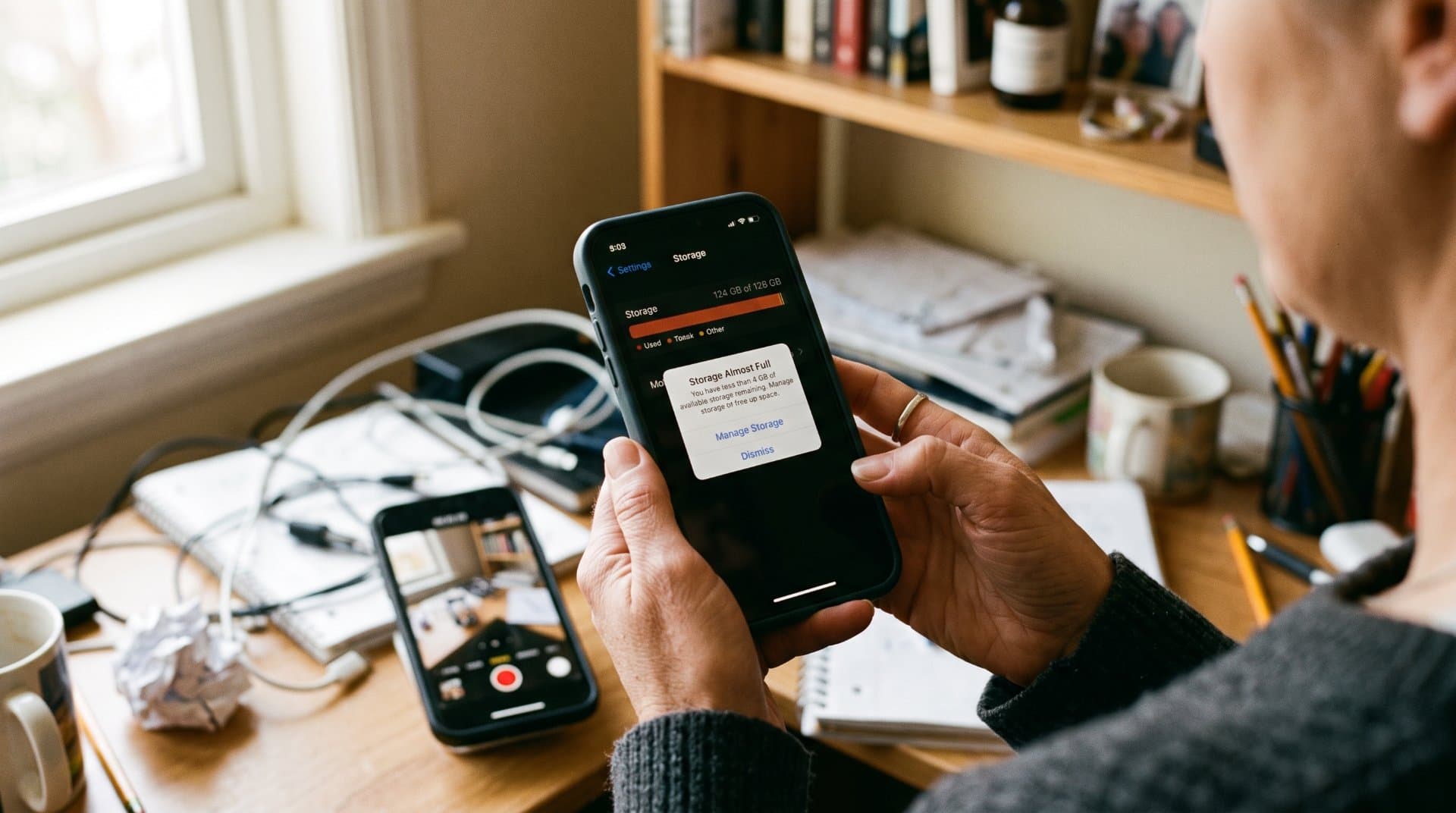
Why Your Phone Storage Fills Up So Quickly and How to Free Space
Explains why phone storage gets full even when you did not install anything new, including photos, app cache, System Data and hidden trash folders. Gives simple steps to free space on iPhone and Android and what to do when nothing seems to work.
 View Point SpotOct 5, 2026
What to Do When a Software Update Makes Your Device Slower
Many people see their phone or computer become slow right after a software update. This article explains why it happens, which slowdowns are normal and go away alone and which need action. It gives simple steps for iPhone, Android and Windows, plus mistakes to avoid and when to ask for help.
View Point SpotOct 5, 2026
Internet Provider Keeps Raising Your Bill? Here Is What You Can Do
This article explains why internet providers raise prices again and again and what you can do about it. It covers reading your bill, finding the real reason for the increase, asking for a better deal, lowering your plan and switching provider. It also explains the mistakes people make when they negotiate.
View Point SpotOct 5, 2026Reader Discussion (0)
No comments yet. Be the first to start the discussion!