Why Does Your Phone Battery Get Worse Over Time?
Your phone battery doesn't last like it used to and there's a real reason for it. Here's what causes battery wear and how to slow it down.
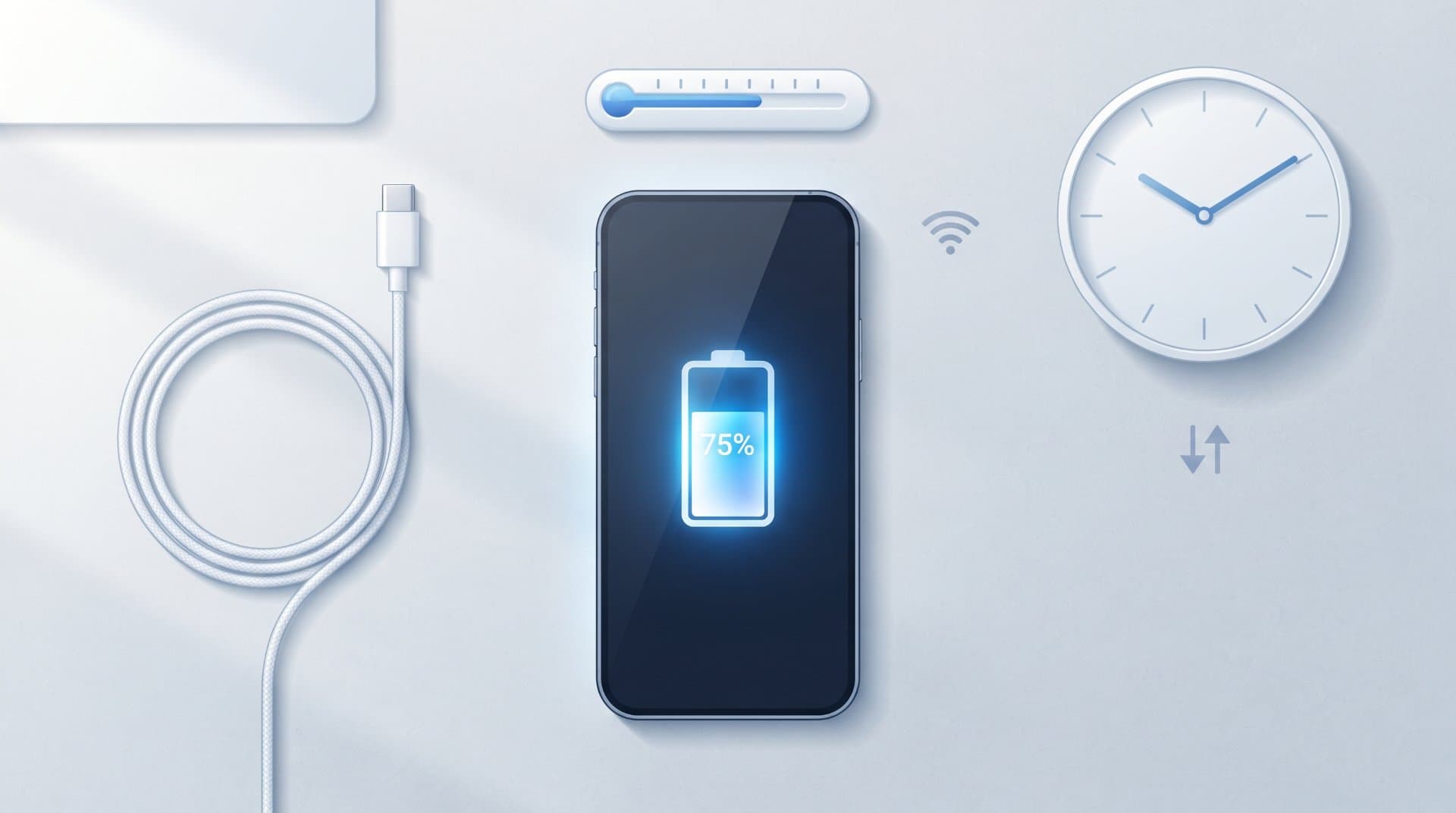
Your phone used to last all day. Now it barely gets you to lunch. This is not in your head and it's not a sign that something is broken. It's just how the battery inside your phone works.
Almost every phone uses a lithium-ion battery. These batteries are good at storing a lot of energy in a small space, but they wear down a little every time you use them. This article explains why that happens and what you can actually do about it.
What's Actually Inside Your Battery
A lithium-ion battery stores energy by moving lithium ions back and forth between two sides of the battery. When you charge your phone, the ions move one way. When you use your phone, they move back.
This movement is not perfectly clean. Every cycle causes tiny chemical and physical changes inside the battery. Over time, these small changes add up and the battery holds less energy than it used to. This is called capacity loss and it happens to every lithium-ion battery, no matter how careful you are.
The Main Reasons Battery Health Gets Worse
1. Charge Cycles Add Up
A charge cycle is one full charge, from 0% to 100%. It doesn't have to happen all at once. If you charge your phone from 50% to 100% twice, that counts as one full cycle.
Most phone makers design batteries to handle several hundred full cycles before capacity drops noticeably. Apple, for example, states that its iPhone batteries are built to retain a large portion of their original capacity after around 500 complete charge cycles under normal conditions. After that point, you'll usually notice your phone doesn't last as long between charges, even though it still works fine.
2. Heat Is the Biggest Enemy
Batteries age faster in heat, even if you're not actively using the phone. Leaving your phone in direct sunlight, on a car dashboard or under a pillow while charging can speed up battery wear more than normal daily use does.
This is why a phone can lose battery health quickly during summer or if you often use heavy apps like games or navigation while the phone is charging, since both charging and heavy use generate heat at the same time.
3. Keeping the Battery at 100% or 0% for Long Periods
Lithium-ion batteries don't like staying fully charged or fully empty for long stretches. Sitting at 100% overnight, every night, puts more strain on the battery than charging it to around 80–90% would.
The same goes for the opposite extreme. Letting your phone sit at 0% for a long time, especially if it's not used for weeks, can also shorten its lifespan.
4. Fast Charging Adds Some Extra Stress
Fast charging is convenient, but it pushes more energy into the battery in less time, which generates more heat. Occasional fast charging isn't something to worry about, but relying on it every single time, for every charge, can add up over months and years.
5. Time Passes, Even Without Use
Batteries also age just by existing, a process sometimes called calendar aging. Even a phone that's rarely used will lose some battery capacity over a year or two, simply because the chemical materials inside slowly degrade with time.
How to Tell If Your Battery Health Has Actually Dropped
Most phones let you check this directly instead of guessing:
iPhone: Go to Settings > Battery > Battery Health & Charging to see the maximum capacity compared to when the phone was new.
Android: Battery health information depends on the brand. Some phones show it directly in Settings > Battery, while others need a manufacturer app or a third-party battery info app.
If your battery health shows something like 85% or below, that explains why your phone doesn't last as long as it did on day one.
What You Can Do to Slow Down the Wear
You can't stop battery aging completely, but you can slow it down.
Avoid extreme heat. Don't leave your phone in a hot car or in direct sun for long periods.
Try not to keep it at 100% all the time. Many phones now have an "optimized charging" or "battery care" feature that stops charging at around 80% until closer to when you'll need it. Turning this on can help.
Avoid letting it drop to 0% often. Charging it before it gets critically low is easier on the battery than repeatedly draining it completely.
Use fast charging when you need it, not every time. A normal charger overnight is gentler on the battery than a fast charger used constantly.
Take the case off occasionally when charging, especially if the case is thick, since it can trap heat.
Don't leave your phone unused for months without charging it at all. If you're storing an old phone, charge it to around 50% before putting it away.
None of these steps will make your battery last forever. They just help it age a bit more slowly.
When It's Time to Replace the Battery
If your phone's battery health has dropped a lot or your phone shuts off unexpectedly even when the screen shows some charge left, it may be worth replacing the battery rather than the whole phone. Many phone manufacturers and repair shops offer battery replacement services and it's often a cheaper option than upgrading to a new device, especially if the rest of the phone still works well.
Frequently Asked Questions
Does closing apps in the background help save battery health? It can help with daily battery life a little, but it has almost no effect on long-term battery health. Battery wear is mostly caused by charge cycles, heat and time, not by which apps are open.
Is it bad to charge my phone overnight? Not as much as people assume, especially on modern phones that have built-in overcharge protection and optimized charging features. It's more about avoiding long periods stuck at 100% or extreme heat, not the number of hours it's plugged in.
Will a new battery make my phone feel like new again? It can bring back longer battery life between charges, but it won't fix slower performance if that's caused by aging hardware or older software, not the battery itself.
How many years does a phone battery usually last? Most phone batteries hold up reasonably well for about two to three years of regular use before people start noticing a real difference. This varies depending on how the phone is charged and used.
What Matters Most
Battery wear is normal, not a defect. It happens because of chemistry, not bad luck. The most useful thing you can do is avoid extreme heat and avoid keeping your phone constantly at 100% or 0%. If your battery health has dropped enough to bother you day to day, a battery replacement is usually a simpler fix than buying a new phone.
Related Topics:
Share this story with your network
Direct citation and sharing for this investigative report.

View Point Spot
Editor-in-Chief
View Point Spot is a place for ideas, stories, insights and different points of view. We share useful, interesting and easy-to-understand content across a wide range of topics, helping readers discover something new and see the world from a different perspective.
Related Coverage & Dispatches
More in Technology →
Why Your Phone Storage Fills Up So Quickly and How to Free Space
Explains why phone storage gets full even when you did not install anything new, including photos, app cache, System Data and hidden trash folders. Gives simple steps to free space on iPhone and Android and what to do when nothing seems to work.
View Point SpotOct 5, 2026
What to Do When a Software Update Makes Your Device Slower
Many people see their phone or computer become slow right after a software update. This article explains why it happens, which slowdowns are normal and go away alone and which need action. It gives simple steps for iPhone, Android and Windows, plus mistakes to avoid and when to ask for help.
View Point SpotOct 5, 2026
Internet Provider Keeps Raising Your Bill? Here Is What You Can Do
This article explains why internet providers raise prices again and again and what you can do about it. It covers reading your bill, finding the real reason for the increase, asking for a better deal, lowering your plan and switching provider. It also explains the mistakes people make when they negotiate.
View Point SpotOct 5, 2026Reader Discussion (0)
No comments yet. Be the first to start the discussion!