How Can You Tell If an Email Is Trying to Trick You?
Learn the simple signs of a scam email, from odd sender addresses to urgent demands, so you can spot tricks before they cause harm.
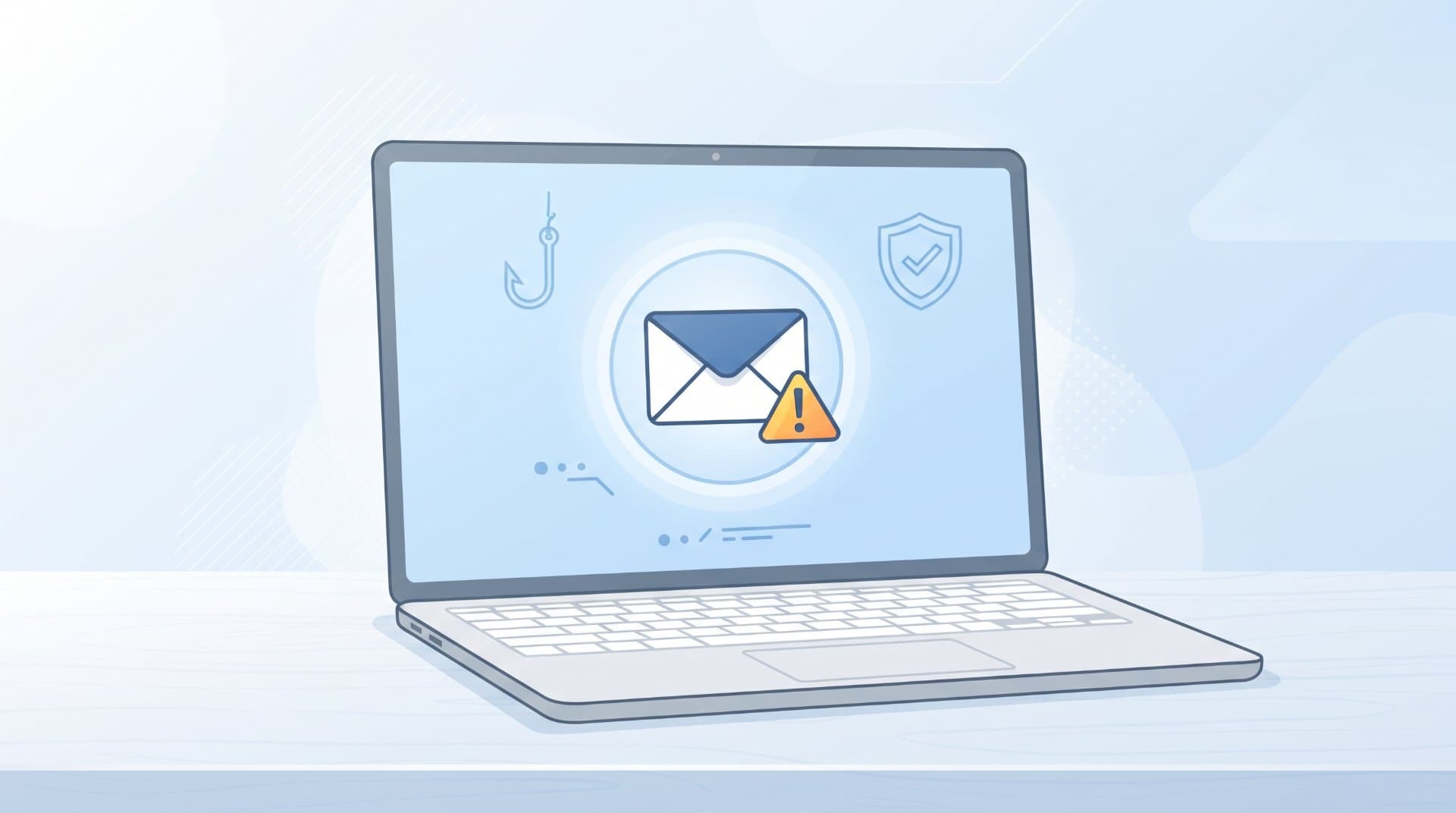
Almost everyone has opened an email and felt something was off. Maybe it asked you to click a link right away. Maybe it came from your "bank," but something about the wording felt wrong. That feeling is worth trusting. Most trick emails, usually called phishing emails, share a small set of warning signs once you know what to look for.
This guide walks through the signs in plain language, so you can check any email in a minute or two before you click, reply or share anything.
Check Who Actually Sent It
The name shown at the top of an email can say anything. It might say "Amazon" or "Your Bank," but that name is chosen by the sender and proves nothing on its own.
What matters is the actual email address behind that name. On most phones and computers, tapping or hovering over the sender's name shows the real address.
Look out for:
A real company name paired with a strange address, like
[email protected]instead of an official domainExtra words, numbers or hyphens added to a familiar brand name
A free email service (like Gmail or Outlook) being used to contact you "on behalf of" a big company
If the address does not match the company's usual domain, treat the email with caution, even if the logo and colors look correct.
Notice the Sense of Urgency
Scam emails often want you to act before you think. This is one of the most common tricks because rushed people make more mistakes.
Common urgent phrases include:
"Your account will be suspended in 24 hours"
"Immediate action required"
"Unusual activity detected, verify now"
"This offer expires in 1 hour"
Real companies do send time-sensitive notices, but they rarely threaten to lock your account within hours over email alone. If a message is pushing you to act fast without giving you time to check, slow down on purpose.
Look at the Greeting and the Writing
Genuine companies you already have an account with usually know your name. A message that starts with "Dear Customer," "Dear User," or your email address instead of your actual name can be a sign the sender does not really know who you are.
Also pay attention to the writing itself:
Spelling mistakes in a message that claims to be from a large, professional company
Odd grammar or sentences that sound slightly translated
Strange spacing, mismatched fonts or formatting that looks copied from somewhere else
One or two typos do not automatically mean a scam, since real companies make mistakes too. But several small errors together, especially in a message asking for sensitive action, are worth noticing.
Hover Before You Click Any Link
This is one of the most useful habits you can build. Before clicking a link in an email, hover your mouse over it (or press and hold on a phone) to see the actual web address, without opening it.
Compare that address to what the email claims:
Does it lead to the real company's website or something close but slightly different?
Are there extra words, numbers or unfamiliar domain endings?
Does it use a link-shortening service that hides the real destination?
If the link and the claimed sender do not match, do not click it. Instead, open the company's website directly by typing the address yourself or using a saved bookmark.
Be Careful With Unexpected Attachments
If you receive a file you were not expecting, especially one you did not ask for, treat it carefully. This applies even if the email appears to come from someone you know, since email accounts can be hacked and used to send messages without the real owner's knowledge.
Warning signs around attachments include:
File types like
.exe,.scror.zipfrom unknown sendersA document that asks you to "enable macros" or "enable editing" to view it
An invoice, shipping label or receipt for something you never ordered
When in doubt, contact the sender through a separate method, such as a phone call or a message on a platform you already trust, to confirm they actually sent it.
Watch for Requests for Personal or Financial Information
Legitimate companies rarely ask you to send sensitive details directly through email. Be cautious with any message asking for:
Passwords or login codes
Full card numbers or bank account details
Social security or national ID numbers
One-time verification codes sent to your phone
A common trick is asking you to "verify your identity" by entering your password on a page linked from the email. Real login verification almost always happens on the company's own website or app, not through a link inside a message.
Compare the Offer to Reality
Some trick emails do not ask for information directly. Instead, they offer something that sounds appealing:
A prize you never entered to win
A large refund you were not expecting
A job offer with high pay for very little work
An investment promising unusually high returns
If an offer feels too good for the effort involved, that is a reasonable reason to pause and question it, rather than a reason to reply quickly.
Check How the Email Was Sent
A few technical clues can also help, though they take a little more effort to check:
If the email is supposedly from a company, does it match the tone and format of previous, genuine messages from them?
Does the reply-to address match the sender's address or does it quietly lead somewhere else?
Are you one of many people copied on the email in an unusual way, when the message claims to be personal?
You do not need deep technical knowledge for this. Most of the time, simply comparing the new email to older, trusted messages from the same sender reveals a mismatch.
What to Do If an Email Looks Suspicious
If something feels wrong, here is a simple, practical approach:
Do not click any links or download any attachments yet.
Check the sender's actual email address, not just the display name.
Hover over links to see where they really lead.
If the email claims to be from a company or person you know, contact them directly through a separate, trusted channel to confirm.
Report the email as phishing or spam using your email provider's built-in option, if available.
Delete the email once you are confident it is not needed.
If you already clicked a link or entered information before noticing the warning signs, change the related password immediately and monitor the account for unusual activity.
Is This Email Safe? A Quick Mental Checklist
Before trusting any unexpected email, ask yourself:
Does the sender's address match the company's real domain?
Is the email pushing me to act quickly, without time to think?
Are there spelling or formatting issues that feel out of place?
Does the link, once I hover over it, lead somewhere unexpected?
Is it asking for a password, code or financial details directly?
Does the offer or warning sound realistic or unusually extreme?
If two or more answers raise concern, it is safer to verify the message through another channel before taking any action.
Final Thoughts
No single sign proves an email is fake on its own. A slightly odd sentence or an unfamiliar sender is not automatic proof of a scam. What matters is the pattern. When several of these signs show up together, an unfamiliar address, urgent language, an unexpected link and a request for personal details, that combination is worth treating carefully.
The safest habit is simple: slow down, check the sender, hover before clicking and confirm through a separate channel if anything feels uncertain. That short pause is usually enough to avoid the trick entirely.
Related Topics:
Share this story with your network
Direct citation and sharing for this investigative report.

Afshan Yasmeen
Writer
Afshan Yasmeen is a writer and independent content creator who shares useful, well-researched, and easy-to-understand articles on her website. She enjoys exploring different topics, learning new things, and turning her research into practical information that readers can actually use. Her writing focuses on clarity, honest information, and a simple human style. She takes the time to research topics carefully and aims to explain even complex subjects in a way that feels natural and easy to follow. Through her website, Afshan shares her knowledge, ideas, findings, and helpful guides with readers from different backgrounds. Her goal is simple: to create content that is genuinely useful, trustworthy, and worth reading.
Related Coverage & Dispatches
More in Technology →
Why Your Phone Storage Fills Up So Quickly and How to Free Space
Explains why phone storage gets full even when you did not install anything new, including photos, app cache, System Data and hidden trash folders. Gives simple steps to free space on iPhone and Android and what to do when nothing seems to work.
 View Point SpotOct 5, 2026
What to Do When a Software Update Makes Your Device Slower
Many people see their phone or computer become slow right after a software update. This article explains why it happens, which slowdowns are normal and go away alone and which need action. It gives simple steps for iPhone, Android and Windows, plus mistakes to avoid and when to ask for help.
View Point SpotOct 5, 2026
Internet Provider Keeps Raising Your Bill? Here Is What You Can Do
This article explains why internet providers raise prices again and again and what you can do about it. It covers reading your bill, finding the real reason for the increase, asking for a better deal, lowering your plan and switching provider. It also explains the mistakes people make when they negotiate.
View Point SpotOct 5, 2026Reader Discussion (0)
No comments yet. Be the first to start the discussion!