How to Take Better Photos With a Normal Phone Camera
Simple, practical tips to take better photos with the phone you already own. No new camera needed, just better habits and a few easy adjustments.
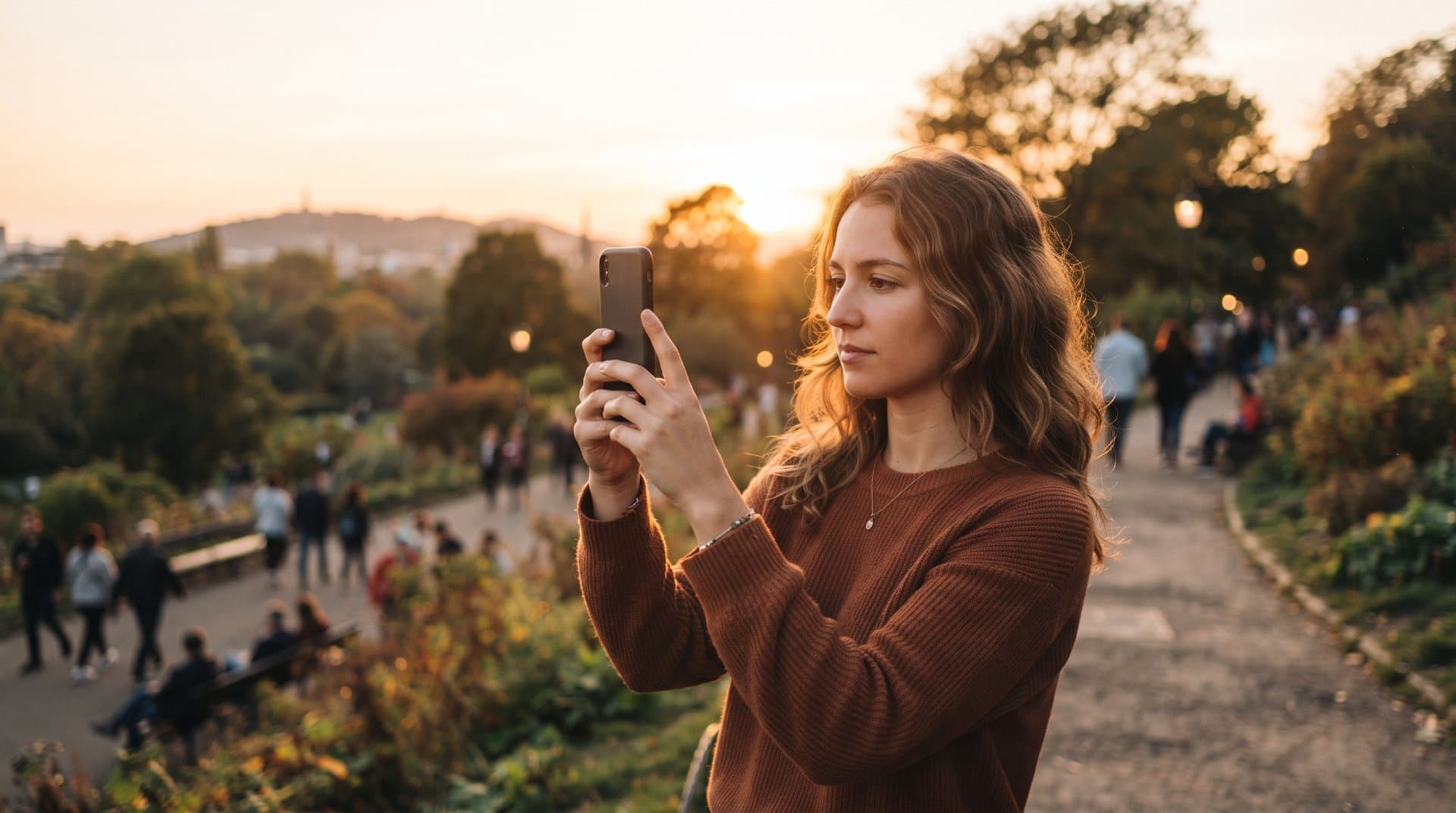
You don't need an expensive camera to take good photos. Most people already carry a camera that's good enough it's just being used the wrong way. A few small changes in how you hold your phone, use light and frame a shot can make a bigger difference than any new device.
Here's what actually helps.
Clean Your Lens First
This sounds too simple to matter, but it's often the real problem. Phones sit in pockets and bags all day, so the lens picks up fingerprints, dust and lint without you noticing.
A smudged lens gives you soft, hazy photos, even in good light. Before you take any photo that matters, wipe the lens with a soft cloth or the edge of your shirt. It takes five seconds and fixes more blurry photos than any setting ever will.
Use Natural Light Whenever You Can
Phone cameras still struggle in low light compared to real cameras. The sensor is small, so it can't gather as much light, which leads to grainy or blurry shots.
The easiest fix is to shoot in natural light. Move your subject near a window or step outside instead of using an overhead light. Photos taken in soft daylight almost always look cleaner and more natural than ones taken indoors under artificial lighting.
If you're shooting outdoors, avoid the middle of the day when the sun is directly overhead. It creates harsh shadows on faces. Early morning or late afternoon light is softer and more flattering.
Avoid Using Zoom
Most phone cameras use digital zoom, not optical zoom. This means the phone isn't actually getting closer to the subject it's just cropping and stretching the image, which makes it blurry and pixelated.
Instead of zooming in, physically walk closer to what you're photographing. If you can't get closer, it's better to take the photo at normal zoom and crop it afterward. You'll get a sharper result either way.
Turn On the Grid and Use the Rule of Thirds
Most phone camera apps have a grid option hidden in settings. Turning it on splits your screen into nine equal boxes.
Instead of putting your subject dead center, try placing it along one of the grid lines or where the lines cross. This is called the rule of thirds and it's a simple trick that makes photos feel more balanced and intentional, rather than accidental.
It won't work for every photo, but it's a good starting habit, especially for landscapes, portraits and food photos.
Tap to Focus and Lock Your Exposure
Phone cameras often guess what to focus on and they don't always guess right. Before taking a photo, tap on the screen where your main subject is. This tells the camera exactly what to focus on and adjusts the brightness around that point.
On most phones, after tapping to focus, you'll see a small sun icon or slider appear. Sliding it up or down lets you brighten or darken the image manually before you take the shot. This is especially useful when there's a bright sky behind your subject, which can otherwise make faces look dark.
Hold Your Phone Steady
Camera shake is one of the most common reasons phone photos come out blurry, especially in lower light where the camera needs more time to capture the image.
A few habits help here:
Hold the phone with both hands instead of one
Tuck your elbows in against your body for extra support
Rest your hands or the phone against a wall, table or railing when possible
Use the volume button to take the photo instead of tapping the screen, since tapping can shake the phone slightly
If you're taking a photo in low light and don't have a tripod, even resting the phone on a stable surface can make a real difference.
Watch Your Background
It's easy to focus so much on the subject that you forget what's behind them. A messy background, a pole growing out of someone's head or bright clutter in the corner can ruin an otherwise good photo.
Before taking the shot, take a second to look at the whole frame, not just the center. Small adjustments, like stepping to the side or changing the angle slightly, can clean up the background without much effort.
Use HDR Mode Carefully
HDR (High Dynamic Range) helps balance bright and dark areas in the same photo, which is useful for scenes with strong contrast, like a bright sky over a darker landscape.
That said, it's not always the right choice. HDR can sometimes make photos look unnatural or overly processed, especially for portraits or simple, well-lit scenes. Most phones let you turn HDR on or off manually or leave it on "auto" so the phone decides. It's worth trying a photo both ways occasionally to see which looks more natural to you.
Skip the Flash When Possible
Phone flash tends to create harsh, flat lighting and can wash out skin tones or create strange shadows. It rarely improves a photo the way people expect it to.
If you're in low light, it's usually better to:
Move closer to any available light source, like a lamp or window
Increase the brightness manually using the exposure slider
Accept a slightly grainier photo over a harshly lit one
Flash is really only useful in situations with almost no light at all and even then, it's a last resort.
Edit With a Light Hand
A little editing can improve a photo, but heavy editing usually makes it look fake. Most phone photo apps have basic tools for brightness, contrast and warmth these are usually enough.
A few small adjustments that often help:
Slightly increasing brightness if the photo looks dark
Adjusting warmth if the lighting looks too blue or too orange
Cropping to improve the framing after the fact
It's best to avoid pushing saturation or sharpness too far, since this is what often makes a photo look overly edited rather than naturally good.
Common Mistakes to Avoid
A few habits quietly ruin more photos than people realize:
Taking photos with a dirty lens
Zooming in instead of moving closer
Shooting directly into the sun without adjusting exposure
Centering every subject instead of using the frame
Relying on flash indoors
Over-editing after the fact
None of these require new equipment to fix just a different habit.
What to Remember
Better phone photos usually come down to light, focus and a steady hand, not a better camera. Clean your lens, use natural light when you can, avoid zooming in and take a second to check your framing and background before pressing the shutter.
None of this takes extra time once it becomes a habit. It's less about learning photography rules and more about slowing down for a few seconds before taking the shot.
Related Topics:
Share this story with your network
Direct citation and sharing for this investigative report.

Afshan Yasmeen
Writer
Afshan Yasmeen is a writer and independent content creator who shares useful, well-researched, and easy-to-understand articles on her website. She enjoys exploring different topics, learning new things, and turning her research into practical information that readers can actually use. Her writing focuses on clarity, honest information, and a simple human style. She takes the time to research topics carefully and aims to explain even complex subjects in a way that feels natural and easy to follow. Through her website, Afshan shares her knowledge, ideas, findings, and helpful guides with readers from different backgrounds. Her goal is simple: to create content that is genuinely useful, trustworthy, and worth reading.
Related Coverage & Dispatches
More in Technology →
Why Your Phone Storage Fills Up So Quickly and How to Free Space
Explains why phone storage gets full even when you did not install anything new, including photos, app cache, System Data and hidden trash folders. Gives simple steps to free space on iPhone and Android and what to do when nothing seems to work.
 View Point SpotOct 5, 2026
What to Do When a Software Update Makes Your Device Slower
Many people see their phone or computer become slow right after a software update. This article explains why it happens, which slowdowns are normal and go away alone and which need action. It gives simple steps for iPhone, Android and Windows, plus mistakes to avoid and when to ask for help.
View Point SpotOct 5, 2026
Internet Provider Keeps Raising Your Bill? Here Is What You Can Do
This article explains why internet providers raise prices again and again and what you can do about it. It covers reading your bill, finding the real reason for the increase, asking for a better deal, lowering your plan and switching provider. It also explains the mistakes people make when they negotiate.
View Point SpotOct 5, 2026Reader Discussion (0)
No comments yet. Be the first to start the discussion!